Add a step to a team checklist without changing the rest
Adding one step to a team checklist means finding the right page, reading what is already there and changing only that spot. I made Outline CLI so a coding agent can do the same in a team wiki.
In short
Adding one step to a team checklist in a wiki means finding the right page among similar titles, reading what is already there and changing only that spot. I made Outline CLI so an AI coding assistant can follow that order in an Outline wiki from the terminal, previewing each edit and checking the page's version before it saves. Setup steps are included.

Say your team keeps its shared documentation in a wiki, and the onboarding checklist there needs one more step. It sounds like a quick edit, but before anyone types the step in, they have to find the right checklist, and a search for it may return an old copy, a related guide and a page whose title is almost the one they remember. Once the right page is open, they still need to read enough of it to see where the new step belongs, and the edit itself should add that one step while every other row stays as it was.
The same small steps come up when a coding agent helps with documentation. A coding agent is an AI assistant that can read and change code, and because its work can depend on decisions recorded in a team wiki, it sometimes has to look up a page or update one. If it skips the finding and the reading, it can still produce a tidy edit that lands in the old copy or in the wrong spot on the page.
What I wanted was for the agent to follow the order a careful person would: find the page, read what is on it now, and only then prepare a change small enough for someone to check. So I made Outline CLI, which lets a coding agent find and edit pages in Outline, a shared team wiki, from the terminal. It can search a workspace, read pages and their attachments, and update content. The project is independent of Outline.
If you picture the wiki as a shelf of notebooks, Outline CLI keeps an index card for each page the agent has already seen, lets the agent pull out the full page behind any card, and has it note which version of the page it read, so a change can be checked against that version before it goes in.
When the agent goes looking for the checklist
The agent can start with a title or a pasted URL. Outline CLI first checks a local index of documents it has seen before, kept separately for the connection profile the agent selected, and it runs a bounded live lookup only for references that index does not know. When several pages match, such as the old copy and the related guide from earlier, it returns a list so the agent can choose. The story about finding the right page follows the consequences of that choice in a product change.
When the agent opens the page it picked
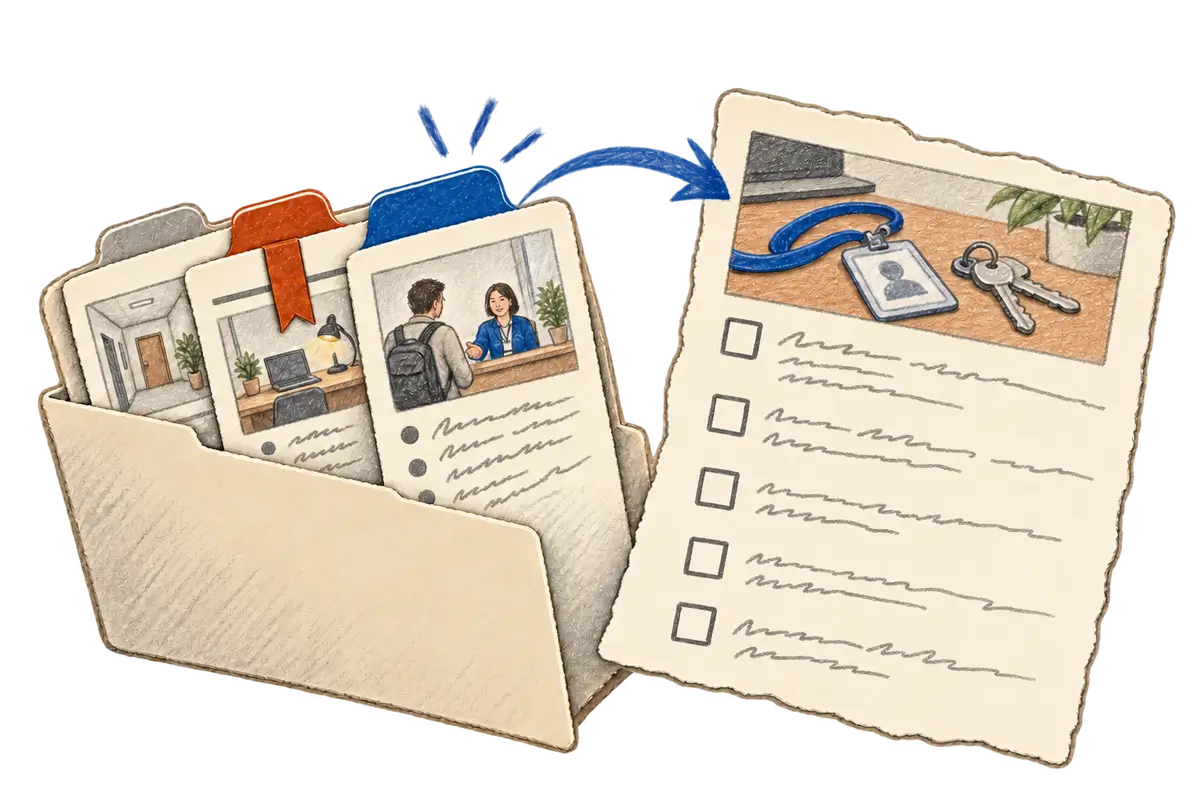
The list tells the agent where the checklist is, while the context for the edit comes from reading the page as it stands now. That difference matters when a title has stayed the same and the instructions underneath it have changed. The agent can ask for summaries first and then read the chosen document in full, so it sees the existing steps around the place where the new one will go, and the response includes the page's source URL, which lets someone else open the same material the agent read.
When the new step goes into the page
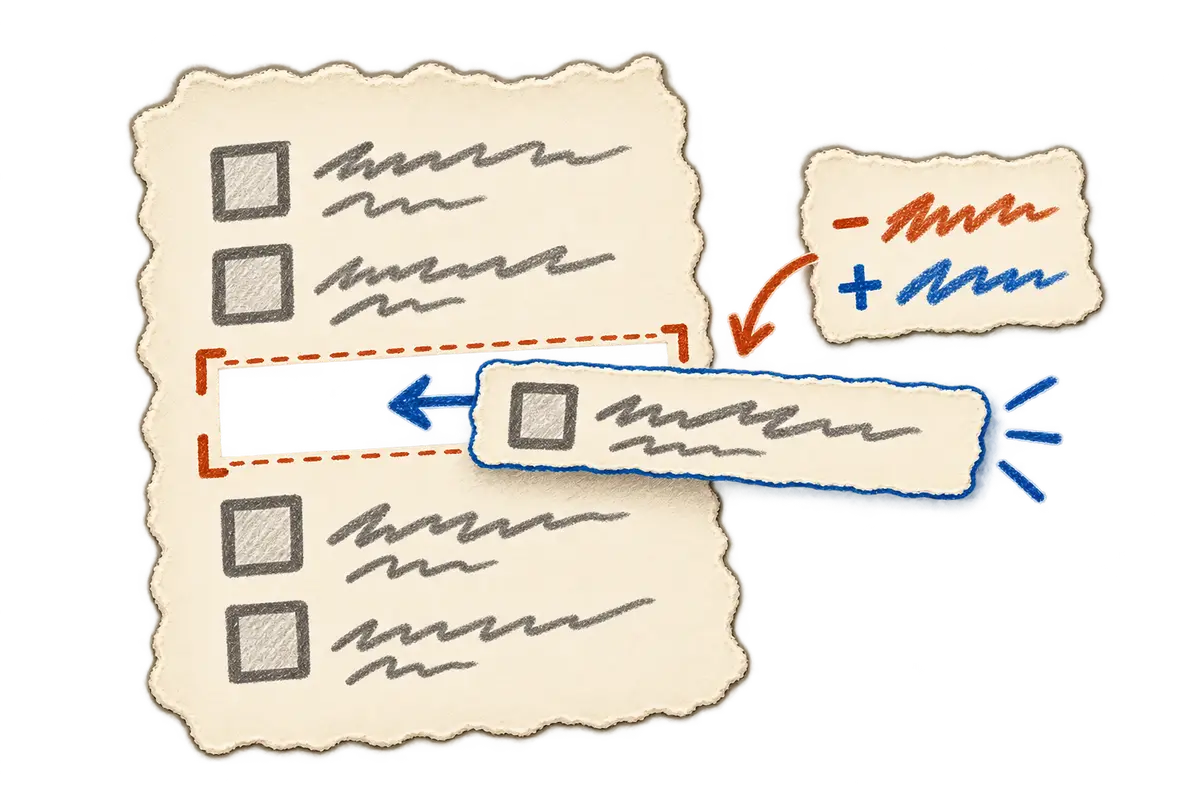
A proposed change should show what it adds and what it removes, so Outline CLI can preview a diff before anything is saved. The patch is applied with the revision the agent expects, and if the page's current revision is different, the client can stop before sending that patch so the agent can read the page again. This check runs before the write and does not lock the document, so an edit that arrives afterward can still go through.
That leaves the reviewer two specific questions: whether the new step belongs where the agent put it, and whether the rest of the checklist still says what it should. After saving an authorized change, ask the agent to return the source link so the updated page is easy to find.
When coding agents work on Outline CLI itself
Coding agents produced much of Outline CLI's implementation as well. I lead its development, which in practice means I decide the workflow the tool follows, review the code changes the agents make, and test whether the commands keep to that order of finding, reading and then editing, and whether they keep each requested edit within its scope.
Connect Outline CLI and work with a page
Connect and try a read
The documented runtime is Node.js 18.17 or newer, and you also need access to an Outline workspace.
npm i -g @khanglvm/outline-cli
On a machine that may already be configured, check outline-cli profile list before creating a profile. For a new connection, create an API key in the workspace's API & Apps settings, set OUTLINE_API_KEY locally and replace the example address:
outline-cli profile add work \
  --base-url https://docs.example.com \
  --auth-type apiKey \
  --api-key "$OUTLINE_API_KEY" \
  --set-default
outline-cli profile test work
Credentials go into the OS keychain by default and should stay out of chat and source files. Each workspace profile keeps its own account selection.
Search for a term from the page:
outline-cli invoke documents.search \
  --args '{"query":"onboarding","limit":5,"view":"summary"}'
After choosing a result, substitute its ID:
outline-cli invoke documents.info \
  --args '{"id":"<document-id>","view":"full"}'
Commands and agent guidance
Use documents.open for a known title or URL. Writes require performAction:true, and deletion also requires a token from a prior read of that document. Exact command arguments are available through outline-cli tools contract <name>.
The optional skill adds common workflows:
npx skills add https://github.com/khanglvm/skills --skill outline-cli -y
Ask the agent to check existing profiles, search with a compact view, read before editing and show the proposed diff; the expected revision and the explicit action flag support that process. The usage guide covers attachments, history and guarded edits, and the package is on npm.